Image Showcase

Mountain Landscape (JPEG/JPG File Format): For this part of my media page, I wanted to show how an image can wrap around text using CSS. I floated the image to the left with the float: left; property so the text flows beside it instead of pushing everything underneath the picture right away.
I also split the description into multiple paragraphs so it's easier to see how the text wraps around the image. This creates a cleaner layout and makes the page look more organized while keeping the picture next to the information being described. Using a float is a simple way to position images without needing more advanced layout tools.
As more text is added, the browser continues placing each line next to the image until it reaches the bottom of the picture. After there is no more vertical space available, the remaining text automatically moves underneath the image. This behavior helps demonstrate how floating images affect the layout of a webpage and how surrounding content adjusts itself automatically.
Key Takeaways on Image Formats
- JPEG images are ideal for photographs with deep gradients.
- PNG files preserve crisp digital lines and allow background transparency.
- GIFs bring short, looping animations to life.
Resized Image Link (Click to view original)
Image Source: Image by Yoona Park via Pinterest.
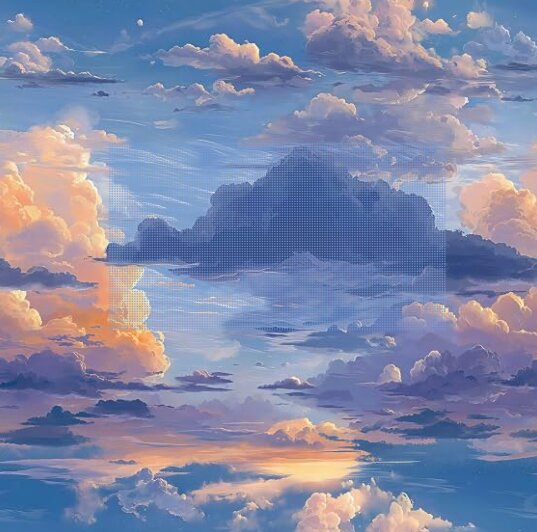
Image Credit: LaiTique Sky Cloud Wallpaper via Amazon.

Image Credit: GIF by MutantCornea on Pinterest.
Audio and Video Streams
Below are the required audio and video players with built-in browser controls.
Ocean Waves Ambient Noise (.MP3)
Audio Credit: "Gentle ocean waves birdsong and gull" by freesound_community via Freesound.
Deep Sea Wave Motion (.MP4)
Video Credit: Video by missdeena via Pixabay.